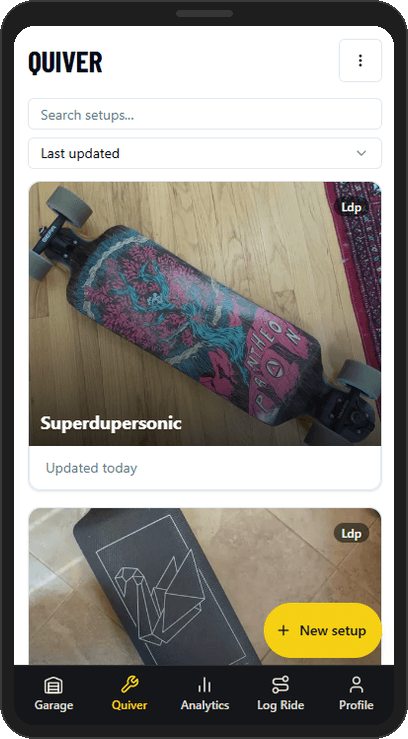
Your parts, setups, and miles — all connected. Whether you're running one board or managing a full quiver, it handles the details: what's installed where, how many km are on your wheels and bushings, and what you changed the last time your setup felt off. Built from the ground up to help skaters organize, experiment, and tune for the distance.
iPhone or iPad: open this page in Safari, tap the Share button, then tap Add to Home Screen.
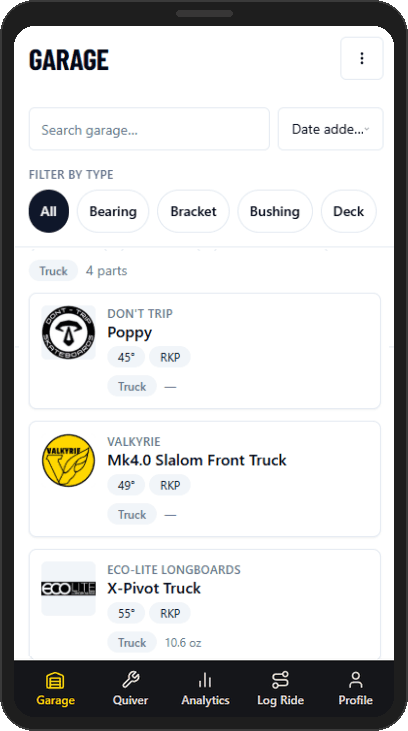
Quickly populate your parts collection by browsing the parts catalog, or create your own entries. Track specs, photos, what you paid, and how many miles are on each part. When something gets sold or worn out, retire it — the history stays.
190+ catalog parts across decks, trucks, wheels, bushings, and brackets.
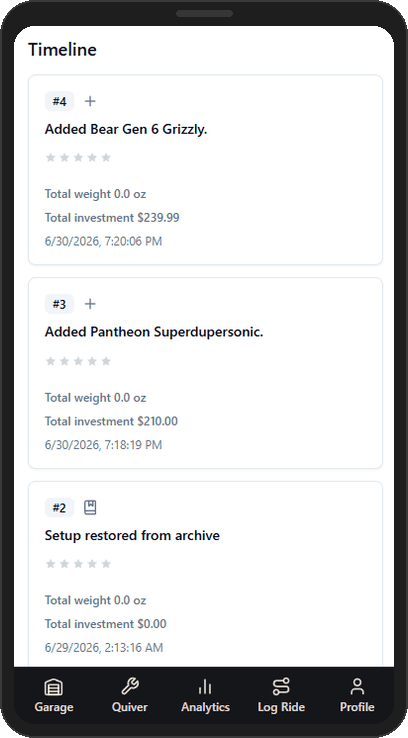
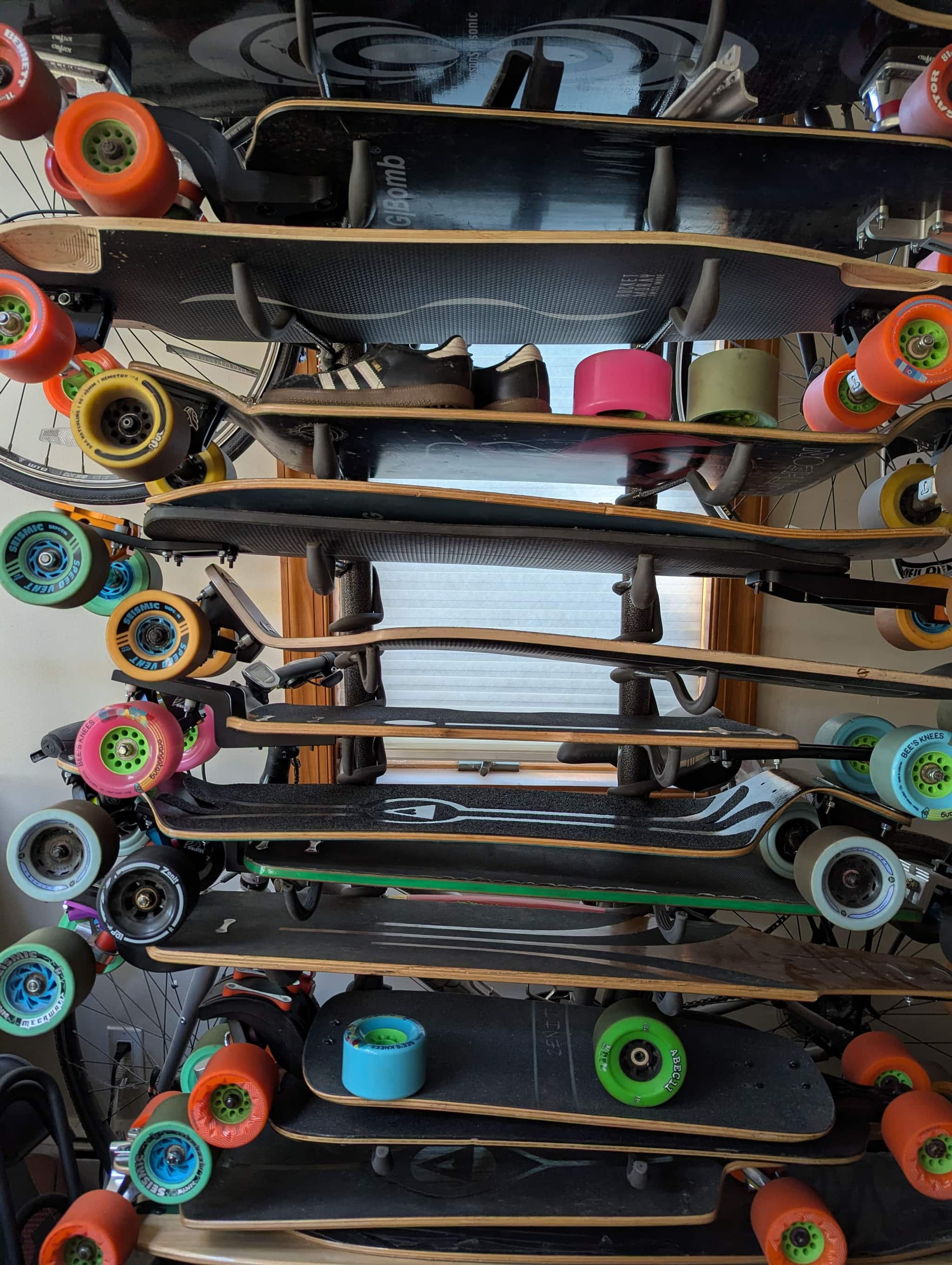
Put your parts together into setups. The app tracks weight, cost, and how everything is configured. Change something — a new bushing, a different deck — and the history updates automatically. Run as many boards as you want. Share any setup with a public link, no account needed to view.
You don't have to do anything. Every time you modify a setup, a snapshot is created. Go back to any point and see exactly what you were running and how it felt. Useful when you swap back to something that worked, or when someone asks what you were riding at that event.
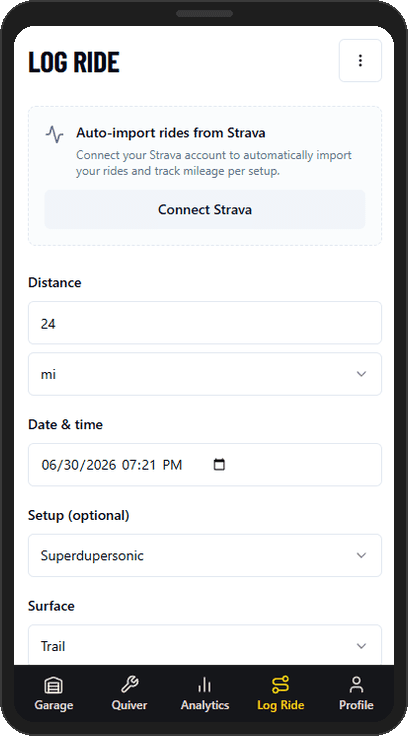
Log rides manually or sync from Strava. Each ride is linked to the setup you were running — so mileage flows automatically to every part installed at the time. No manual tracking per part needed.
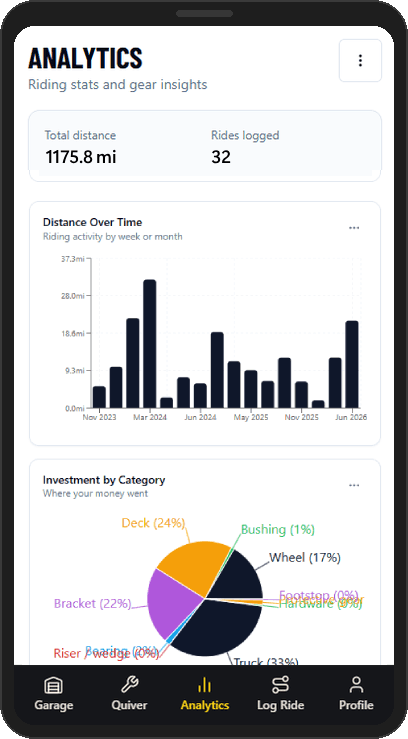
How many km are on each part. How your riding breaks down by surface. How setups compare on feel over time. The data's there if you want to dig into it — or ignore it and just ride.
Total km on every part, accounting for install dates and removals.
Distance over time, surface breakdown, effort distribution.
How setups compare on feel and mileage over the same period.
Date-filtered queries across ride and gear data. Save for quick access.
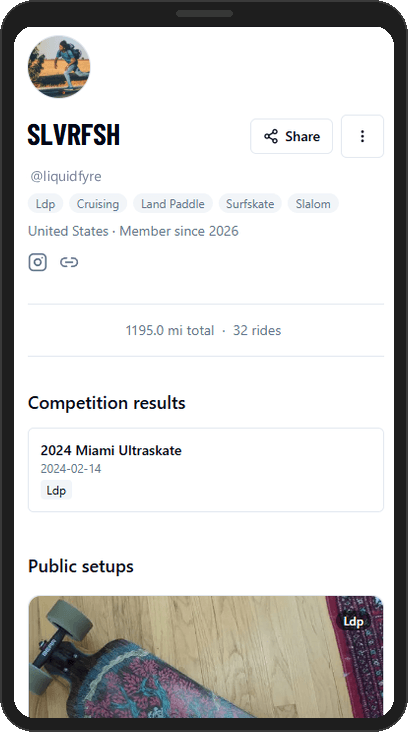
A profile at ldpworkshop.com/username. Share your public setups, log competition results, link your socials. You control what's visible — profile, quiver, diary, and ride activity each have their own privacy setting.
LDPWorkshop is a PWA — add it to your home screen and it opens full-screen like a native app.
Chrome → menu → Add to Home screen → confirm.
Safari → Share → Add to Home Screen → confirm.